AI pre-production platform

FrameLore Enterprise

Turn a screenplay into production-ready coverage, schedules, budgets, and character breakdowns — in one secure workspace.

Cinematic visualization — FrameLore platform

FrameLore Enterprise

Enterprise is the product layer for teams running multiple projects: a shared dashboard, per-project script storage, and four AI toolkits that all read from the same parsed screenplay — so coverage, schedule, budget, and casting materials stay consistent with each other.

Every run produces formatted outputs with FrameLore branding, ready for internal review or external distribution. No more rebuilding the same assumptions in four different spreadsheets and Word files.

See the four toolkits

The toolkits

Four engines on one screenplay

Each toolkit has its own questionnaire and generation pipeline. Use the ones you need now — add the rest when the production phase demands it.

Creator's toolkit

Script Coverage

Professional reader-style coverage: logline, synopsis, ratings grid, and a clear PASS / CONSIDER / RECOMMEND. Includes structure, character, dialogue, marketability, comparable titles, strengths and weaknesses, and principal character breakdowns.
Production manager

Production Schedule

Shooting schedule built from your screenplay: cast lists, scene breakdowns, week-by-week blocks, day-by-day calls, INT/EXT and day/night, location grouping, day-out-of-days, and production notes your AD and line producer can work from.

Producer's toolkit

Production Budget

Above-the-line and below-the-line ranges, cast and location breakdowns, vehicles and special considerations, contingencies, and tax-incentive analysis — with low/high estimates so you can stress-test the plan before greenlight.

Casting director

Character Breakdown

Every character profiled with physical and personality notes, arcs, relationships, scene counts, and casting suggestions with reasoning. Built to drop into casting conversations and agency outreach.

Film production — FrameLore workspace

Your script, one workspace

Projects live in a single dashboard: upload a script, track status, open any toolkit, and return to outputs anytime. Parsed text and metadata stay attached to the project so you are not re-uploading for every document.

Authentication and project data are built for real productions — keep drafts internal, then export when you are ready to share with financiers, studio partners, or department heads.

Atmospheric cinematic scene

Why teams use FrameLore

The platform is designed around how film and TV prep actually moves — fast reads, parallel workstreams, and documents that have to stand up in a room full of skeptics.

Film-native documents

Each toolkit outputs the sections producers, directors, and EPs already expect — not generic AI prose. Coverage reads like coverage; schedules read like schedules; budgets follow familiar category logic.

AI that respects the script

FrameLore parses your screenplay (PDF or DOCX), indexes scenes and characters, then runs toolkit-specific prompts grounded in that context — so results reflect your story, not a one-size-fits-all template.

One project, four engines

Upload once, then run coverage, schedule, budget, and character toolkits from the same project. Short questionnaires per toolkit capture genre, budget band, schedule preferences, and casting priorities before generation.

Works

Cinematic look development and visualization work from the FrameLore creative side — the same sensibility that informs how we think about tone, scale, and presentation in the product. Explore the full portfolio for case studies and stills.

View all
Sci-Fi

Sci-Fi

Case study

Horror thriller

Horror thriller

Case study

Janus

Janus

Feature development

The Marshmallow Experiment

The Marshmallow Experiment

Concept trailer

Featured FrameLore visualization
Production-ready documents

Export & delivery

Production-ready files out of the box

Every toolkit output exports as a fully formatted Word document (DOCX) with branded headers, footers, and page structure — so producers and coordinators can revise in familiar tools.

PDF / print layouts are tuned for clean pagination and distribution: schedules in landscape where it helps, confidential markings where you need them, and tables and sections preserved for offline review.

Questions about exports
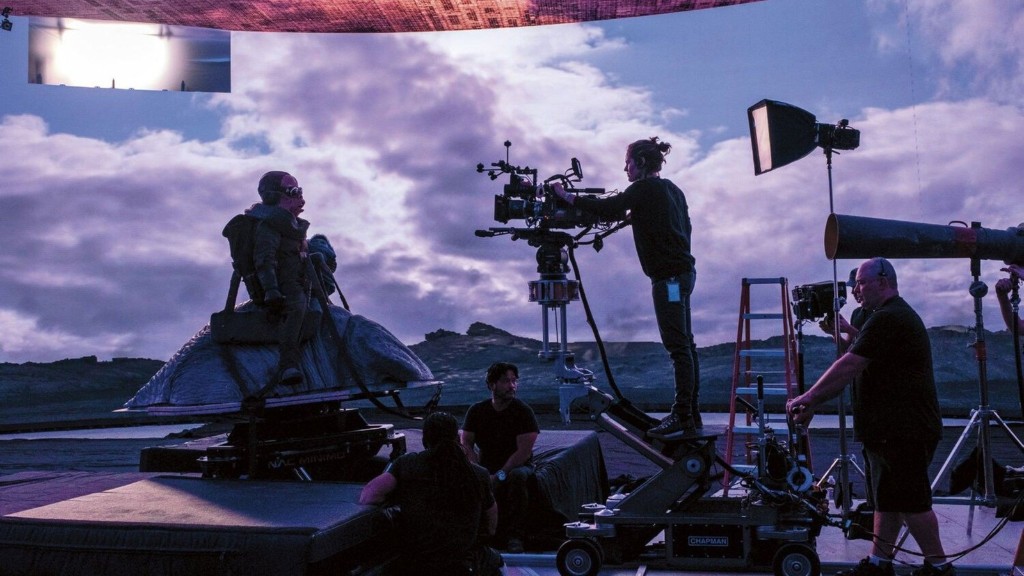
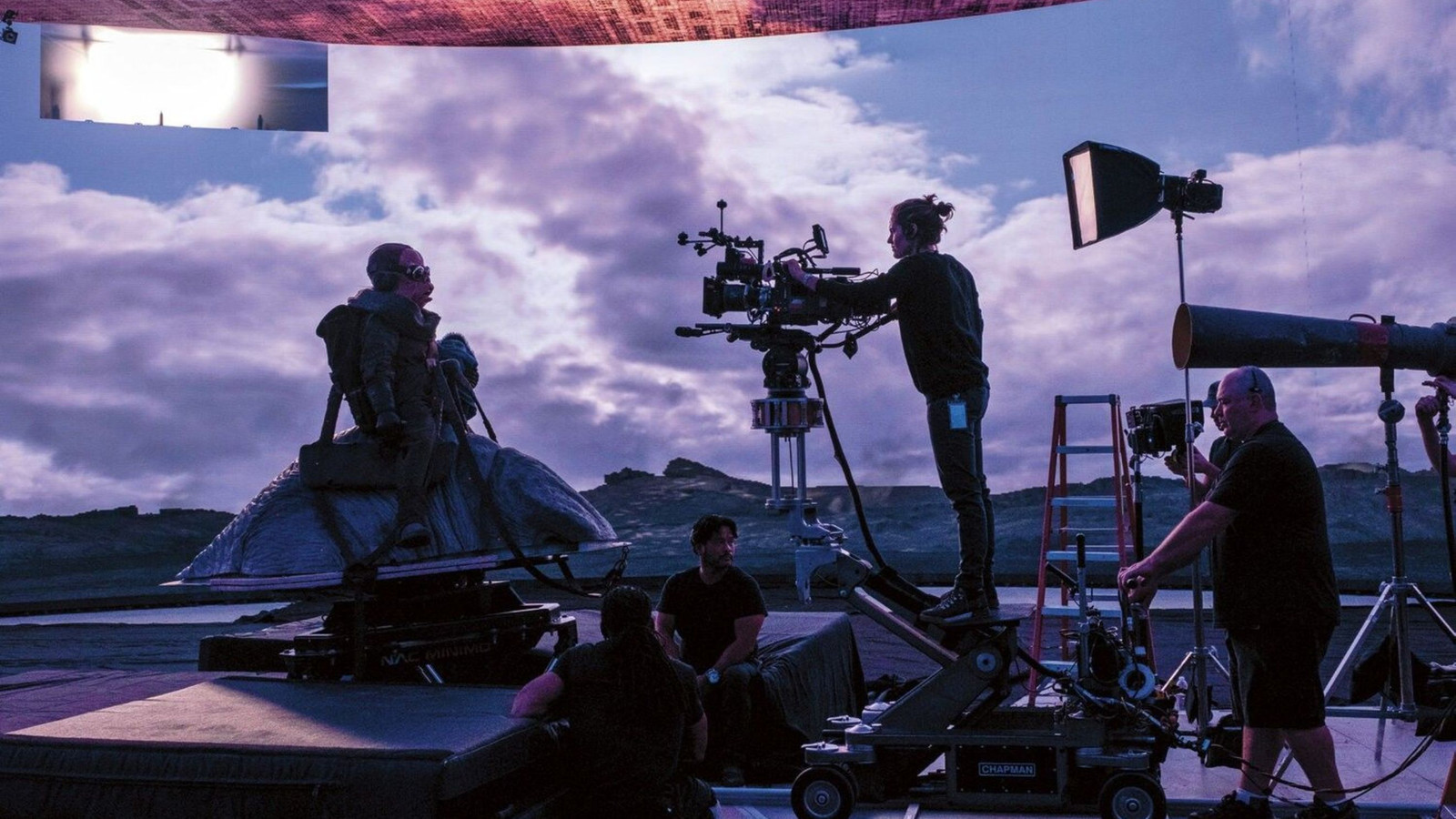
Virtual production on an LED volume — camera crew filming on stage

How it works

From upload to export

The same loop for every toolkit: ingest the script, capture production assumptions in a questionnaire, generate a structured document, then ship it as DOCX or PDF. No separate tools for parsing, formatting, and file prep.

  1. 01

    Upload screenplay

    Create a project and upload PDF or DOCX. FrameLore extracts text, analyzes structure, and stores metadata — scenes, characters, and locations — as the foundation for every toolkit.

  2. 02

    Configure each toolkit

    Before generation, answer a focused questionnaire per toolkit: genre and tone, budget range, shooting format, schedule constraints, casting notes, and more. That context steers the model toward a document that fits your production reality.

  3. 03

    Generate in minutes

    Run Script Coverage, Production Schedule, Production Budget, or Character Breakdown from the project dashboard. The app tracks generation progress and saves structured output you can review in the browser.

  4. 04

    Export & share

    Download branded Word (DOCX) for edits and collaboration, or print-ready PDF with headers, page numbers, and confidentiality markings — ready for your team, financiers, or department heads.

Powered by

FrameLore Enterprise is developed with strategic alignment to Big Picture Cinema Group — connecting the platform to production-minded partners and the broader film ecosystem.

Big Picture Cinema Group

Our featured clients

Studios and producers who trust the FrameLore team for creative visualization — and who benefit as the Enterprise platform matures.

  • Phelecan Films
  • Wrigley Group
  • Impossible Dream Entertainment
  • Pangea
  • All Kaps Entertainment

Talk to us about FrameLore Enterprise

Questions about toolkits, exports, onboarding your team, or a larger deployment? Send a note — we typically reply within one business day. For immediate access, create an account and upload a script.

Privacy notes: your film project details are protected under our confidentiality policy. We're happy to execute NDAs before detailed discussions of your screenplay or concept. Read our Privacy Policy and Terms and Conditions.

FAQ

info@bpcinemagroup.com